Introduction
Data is the new currency, and conversations are its mint. Every phone call is a repository of critical business intelligence, customer sentiment, verbal agreements, and training opportunities. The ability to effectively and legally record a phone call has transitioned from a niche operational task to a strategic imperative.
For businesses aiming to achieve a competitive edge, overlooking this capability is no longer an option. This guide serves as an exhaustive technical and strategic analysis of call recording, designed to equip you with the knowledge to navigate the legal landscape, select the right technology, and unlock the immense value hidden within your voice data.
This analysis will delve into the granular details of various recording methodologies, from native smartphone functions to sophisticated VoIP call recording systems. We will dissect the features that define high-quality call recording software, explore the best mobile call recorder app solutions on the market, and provide actionable insights for implementation.
Whether you are a business leader seeking to enhance compliance and quality assurance or an individual needing to preserve important information, this definitive guide will provide the clarity you need.
How to Record a Phone Calls Legally in 2025
Before any technical discussion, a foundational understanding of the legal landscape is paramount. The act of recording conversations is governed by a complex web of laws that vary significantly by jurisdiction.
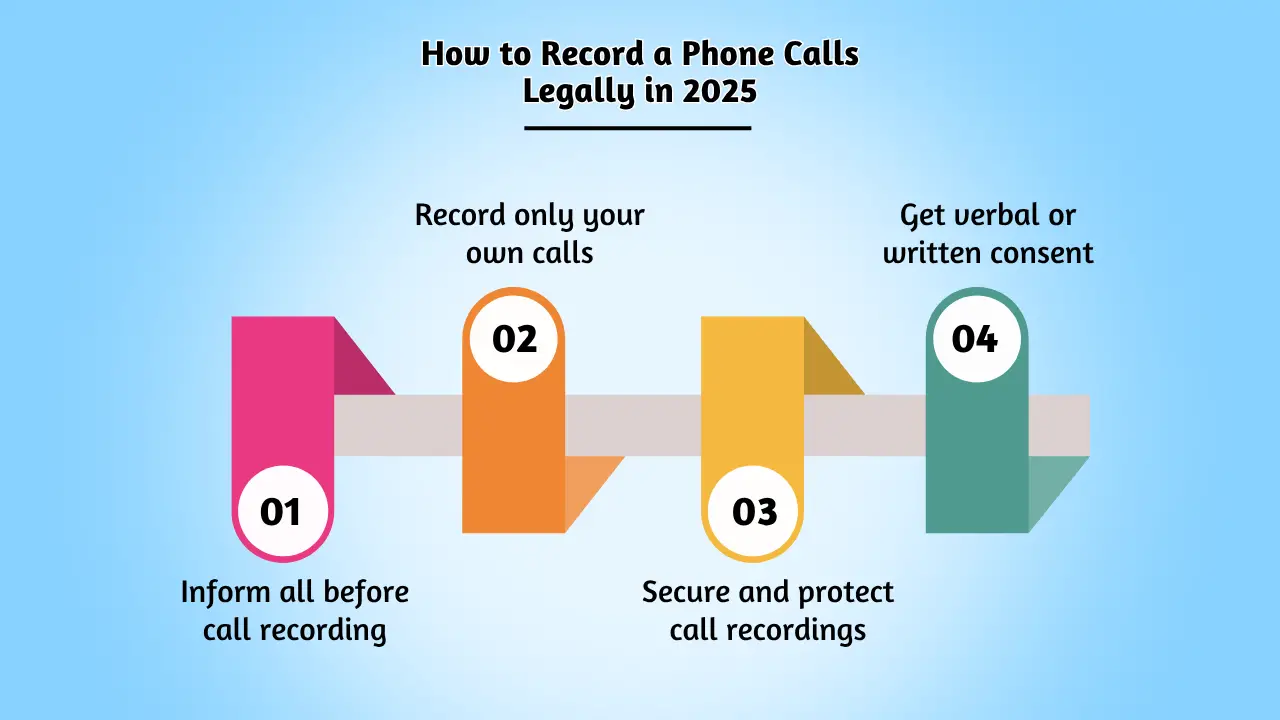
Failure to comply can result in severe legal and financial repercussions. As an industry analyst, the primary directive is always to err on the side of caution and transparency.
Permission to Record? Unpacking the Principle of Consent
The cornerstone of all call recording legislation is the principle of consent. The central question is always: who needs to agree to the recording? This splits the legal frameworks into two primary categories.
One-Party Consent
In jurisdictions with one-party consent laws, you are legally permitted to record a conversation as long as you are a participant in that conversation. Your consent is sufficient. This is the more permissive of the two standards, but it is crucial to know which regions operate under this rule.
Two-Party (or All-Party) Consent
This is the stricter and safer global standard. In these regions, you must obtain consent from every single person participating in the conversation before you can begin recording. This requires an active notification process. Businesses typically achieve this through an automated pre-call announcement, such as, “This call may be recorded for quality assurance and training purposes.”
Everything You Should Know About Call Recording Tools
With the legal prerequisites established, we can now explore the technological landscape. The method you choose will depend on your specific use case, the devices you use, and the level of sophistication required.
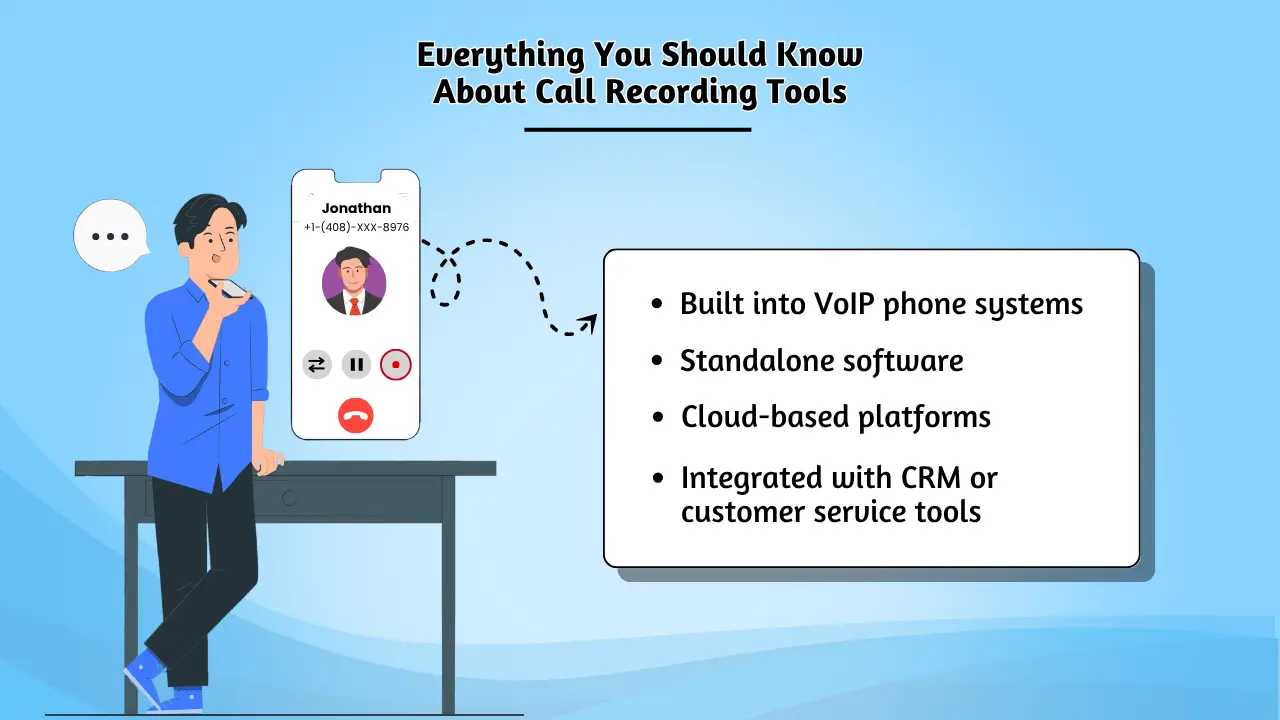
How to Record Phone Conversations on Android/iOS? For individuals, freelancers, and small businesses, mobile devices are the primary tool for communication. Recording directly from your smartphone is often the most convenient option.
Recording on the Android Platform
The Android ecosystem, known for its open nature, offers a variety of straightforward methods.
1. Native Functionality: Many modern Android devices, particularly those running the stock Google Phone app, have an integrated call recorder. During a call, a “Record” button is often visible directly on the call screen.
Tapping this button initiates the recording, and both parties are typically notified with an audible tone. For the most accurate, device-specific instructions, it is always best to consult the official documentation, such as Google’s support page on recording calls.
2. Third-Party Applications: If your device lacks a native feature, the Google Play Store is home to a vast selection of powerful apps. An automatic phone call recorder app can be configured to record incoming and outgoing calls without manual intervention. When selecting an app, prioritize those with high ratings, recent updates, and clear privacy policies.
Recording on the iOS Platform (iPhone)
Apple’s stringent privacy controls make direct call recording on iPhones more challenging, but several well-established methods exist.
1. The Three-Way Conference Call Method: The most reliable technique for iPhone recording involves using a third-party service that acts as a recording line. The process is as follows:
- You initiate a call with the recording service.
- You then add the person you wish to speak with to the call.
- Finally, you merge the calls into a three-way conference. The third line, operated by the service, records the entire conversation.
2. Apps that Facilitate the Process: The best phone call recorder apps for iOS are those that make this three-way call process seamless. Apps like TapeACall Pro and Rev Call Recorder automate the dialing and merging sequence, simplifying the user experience. These apps are indispensable for anyone needing to reliably record phone conversations on Android/iOS.
A Comparative Analysis of Mobile Call Recorder Apps
To aid in selection, the following table provides an analysis of leading mobile recording apps based on key performance indicators. For more detailed, hands-on reviews, consulting a reputable technology publication like PCMag is recommended.
| Application | Primary Use Case | Key Differentiator | Platform | Recording Method |
| Google Phone App | Native Android Users | Seamless OS Integration | Android | Direct |
| Cube ACR | VoIP & Social Media Calls | Records WhatsApp, Skype, etc. | Android | Direct / Accessibility |
| TapeACall Pro | Professional iPhone Users | Reliable 3-way call merge | iOS | 3-Way Conference |
| Rev Call Recorder | Users Needing Transcription | Free recording, paid service | iOS | 3-Way Conference |
| ACR Phone | Power Users | Advanced feature set, cloud sync | Android | Direct |
Enterprise-Grade Solutions: The Power of VoIP Call Recording Software
For any serious business, relying on mobile apps is not a scalable or secure strategy. The modern enterprise requires a centralized, automated, and compliant solution.
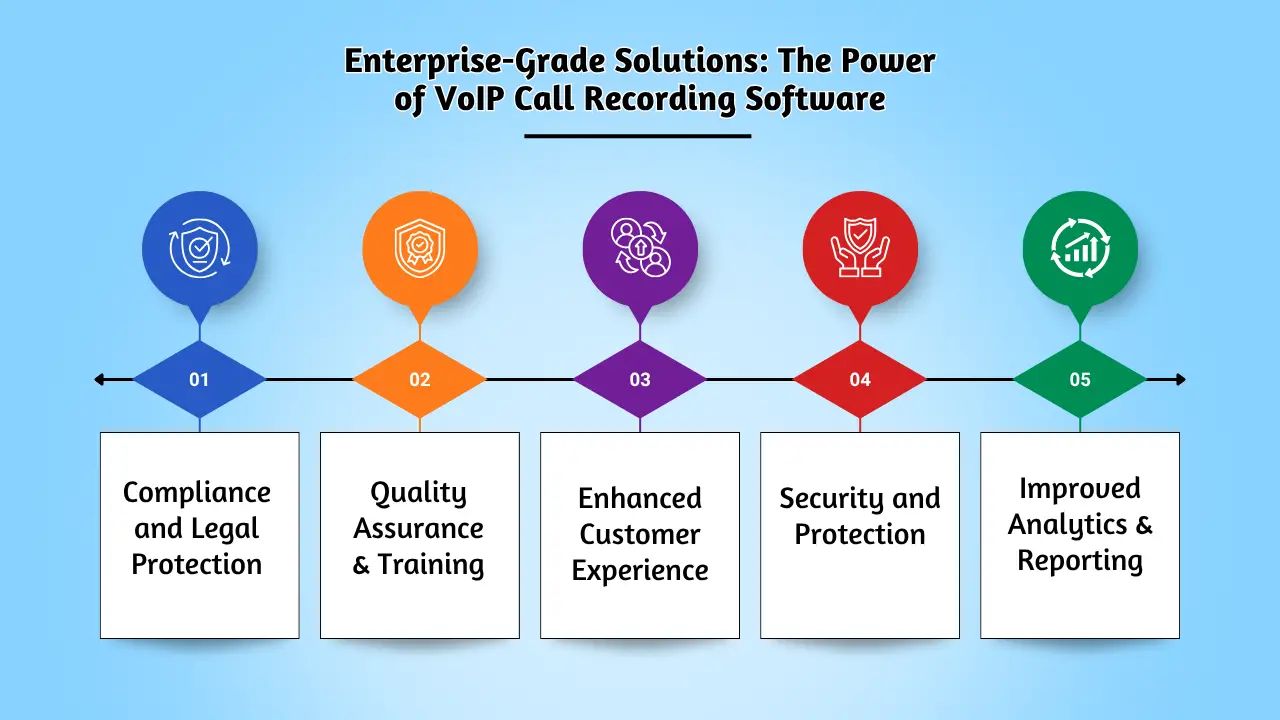
This is the domain of professional call recording software, which is most powerfully implemented within a VoIP (Voice over Internet Protocol) phone system. A robust call recording feature for business is a standard component of any competitive VoIP offering.
Why VoIP Call Recording is Superior
VoIP systems transmit voice as data over the internet, which makes recording, storing, and analyzing calls infinitely more efficient than traditional telephony.
- Automation and Scalability: Configure rules to automatically record all calls, calls from specific departments, or calls related to certain clients. This system works seamlessly whether you have five employees or five thousand.
- Centralized and Secure Storage: All recordings are stored in a secure, encrypted cloud environment. This prevents data silos on individual devices and ensures you have a single source of truth. Authorized personnel can access recordings from anywhere, with granular permissions controlling who can listen to or delete files.
- Enhanced Audio Quality: Professional systems prioritize high-fidelity audio, ensuring that recordings are clear and intelligible for accurate transcription and analysis.
- Compliance and Data Governance: Enterprise solutions are built with compliance in mind. They offer features like redaction (to remove sensitive data), audit trails, and configurable retention policies to meet legal and regulatory standards.
Ajoxi: A Product-Centric Analysis
As an example of a modern, integrated solution, Ajoxi provides a powerful call recording feature for business embedded within its core VoIP platform. The system is designed not just to capture audio, but to transform it into actionable business intelligence.
Key features of the Ajoxi platform include:
- Effortless Automation: The automatic phone call recorder can be enabled with a single click. System administrators can set granular policies, ensuring that the right calls are recorded for the right reasons, every time.
- Unified Communications: Recordings are not isolated files. They are intrinsically linked to your call logs, customer contacts, and CRM data, providing a holistic view of every interaction.
- AI-Powered Transcription and Analytics: Ajoxi moves beyond simple recording. The platform can automatically transcribe calls, making them searchable by keyword. This allows managers to instantly find all conversations where a competitor was mentioned, a specific product was discussed, or a customer expressed dissatisfaction.
- Affordable Integration: A key barrier to adopting advanced technology is often perceived cost. However, integrated solutions provide significant value. When evaluating the price of a system, it’s crucial to consider the total cost of ownership and the ROI from improved training, dispute resolution, and business insights. Ajoxi’s transparent pricing model ensures that even small businesses can access enterprise-grade features.
Investing in a platform with a native, feature-rich call recording software component is the most forward-looking strategy for any business that relies on voice communication. The insights gained and risks mitigated offer a compelling return on investment, and the competitive price structure makes it accessible.
Common Challenges and How to Solve Them
Even with the best technology, users can encounter issues. Here is a breakdown of common problems and their solutions.
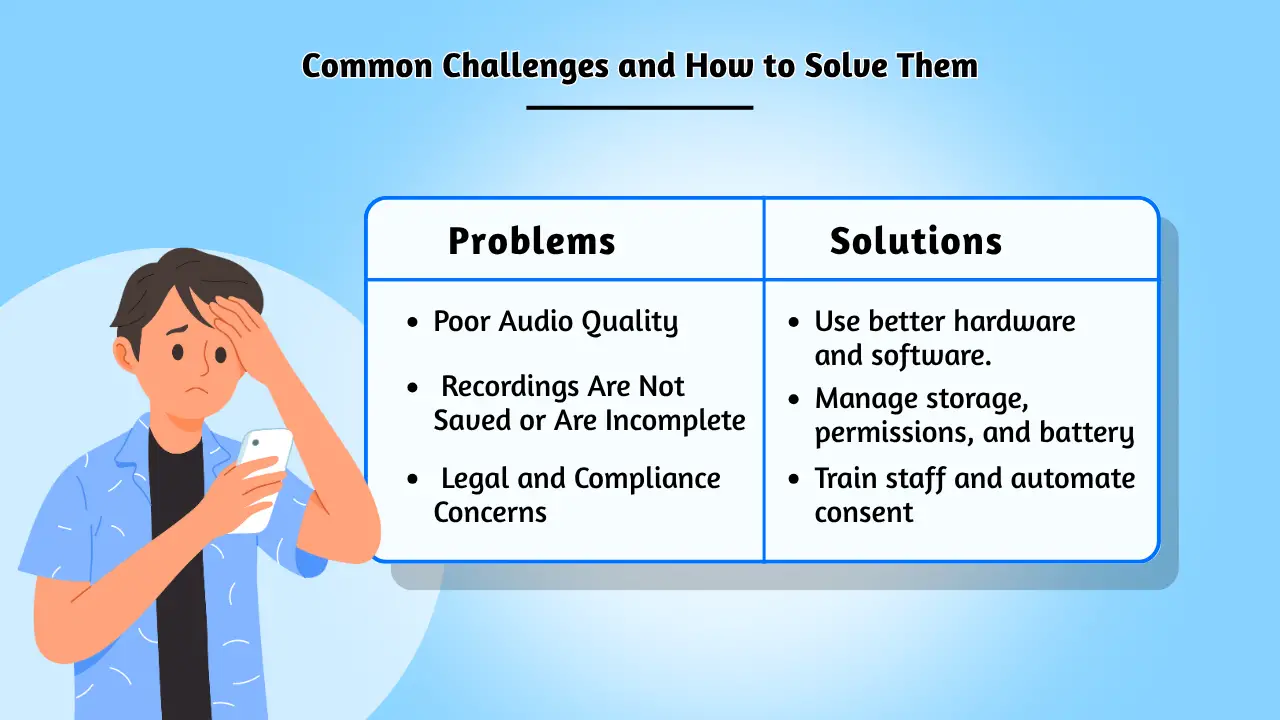
Problem 1: Poor Audio Quality
- Cause: This can be due to a poor network connection (especially with VoIP), low-quality microphone hardware, or incorrect app settings.
- Solution:
- For VoIP: Ensure a stable, high-bandwidth internet connection. Prioritize voice traffic using Quality of Service (QoS) settings on your network router.
- For Mobile: Test different recording apps, as some handle audio processing better than others. Ensure the microphone port on your device is clean. Use a headset for clearer audio capture.
- In-Software: Platforms like Ajoxi use advanced codecs to maximize clarity even on lower bandwidth connections.
Problem 2: Recordings Are Not Saved or Are Incomplete
- Cause: This is often a storage issue (the device is full) or a permissions problem (the app was not granted the necessary access to storage or the microphone). Aggressive battery optimization settings on Android can also prematurely terminate background recording processes.
- Solution:
- Ensure ample free storage space on your device or configure recordings to save directly to the cloud.
- Re-check the app’s permissions in your phone’s settings.
- In your phone’s battery settings, create an exception for your call recording app to prevent it from being shut down.
Problem 3: Legal and Compliance Concerns
- Cause: An employee was unaware of the requirement to announce that a call is being recorded.
- Solution: This is a training and technology issue.
- Training: Implement mandatory, recurring training for all staff on your company’s call recording policy and the legal requirement to obtain consent.
- Technology: Use a system like Ajoxi that can play an automatic notification at the beginning of every call. This removes the risk of human error and guarantees compliance.
Understanding the Future of Call Recording with AI Technology
Looking ahead, the act of simply recording a call is becoming table stakes. The future lies in what you do with the recording. The convergence of call recording software with artificial intelligence is unlocking unprecedented capabilities.
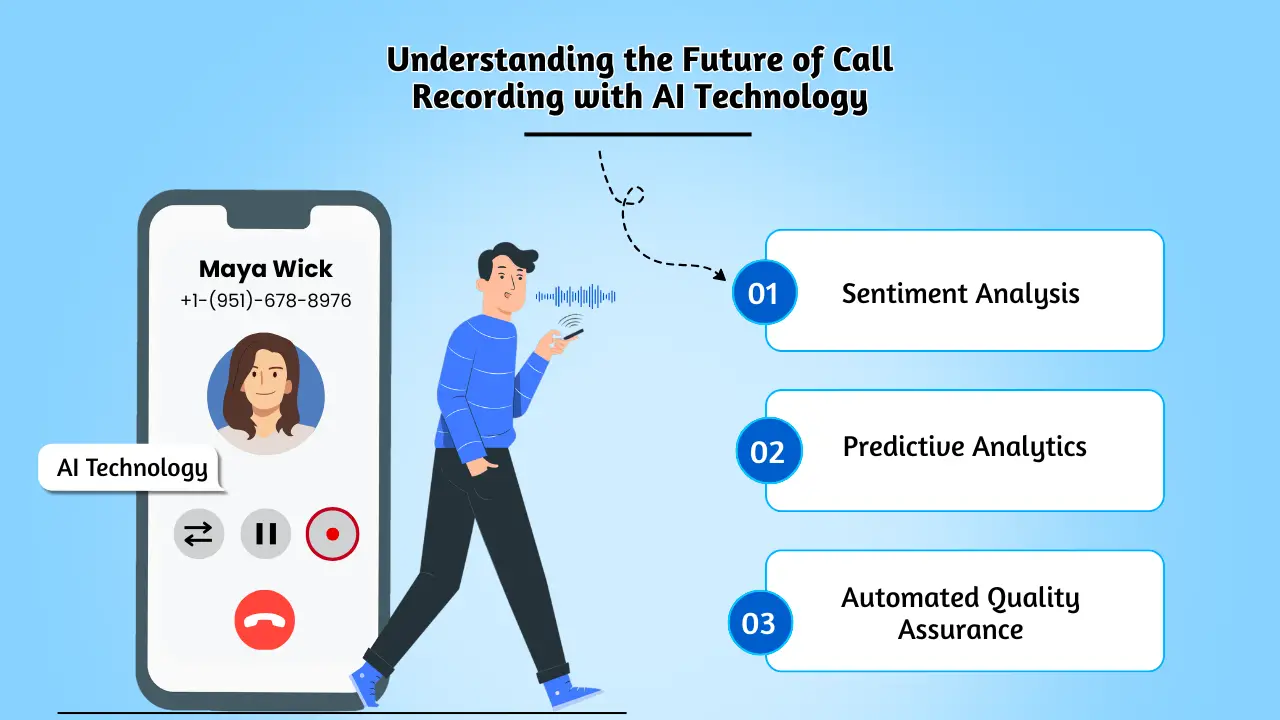
From Reactive Review to Proactive Strategy
- Sentiment Analysis: AI can analyze the tone and language of a conversation to gauge customer sentiment in real-time. A support manager could receive an alert if a customer’s frustration level crosses a certain threshold, allowing for immediate intervention.
- Predictive Analytics: By analyzing thousands of sales calls, AI can identify the phrases and questions used by top-performing salespeople. This data can then be used to create highly effective training programs and sales scripts.
- Automated Quality Assurance: Instead of managers manually reviewing a small, random sample of calls, AI can analyze 100% of them. It can automatically score calls based on custom criteria, such as whether the agent followed the script, mentioned the compliance disclosure, and resolved the customer’s issue.
These advanced features are rapidly becoming essential components of modern VoIP call recording systems. Platforms that integrate these capabilities, like Ajoxi, are positioning businesses to move from a reactive posture—reviewing calls after the fact—to a proactive one, using data to shape better outcomes in real-time.
Conclusion
The decision of how to record a phone call has evolved from a simple technical choice into a complex strategic one. It requires a nuanced understanding of legal obligations, a clear evaluation of technological options, and a forward-looking vision for how to leverage voice data.
From the convenience of a mobile call recorder app for individual use to the comprehensive power of an enterprise-wide VoIP call recording solution, the tools are more accessible and powerful than ever.
For businesses, the path forward is clear. Adopting a centralized, automated, and intelligent call recording system is no longer a luxury but a fundamental component of a modern customer engagement and business intelligence strategy. By capturing, analyzing, and acting on the insights from your daily conversations, you can enhance compliance, mitigate risk, and unlock new avenues for growth and innovation.