Your Call Has Been Forwarded: What It Really Means
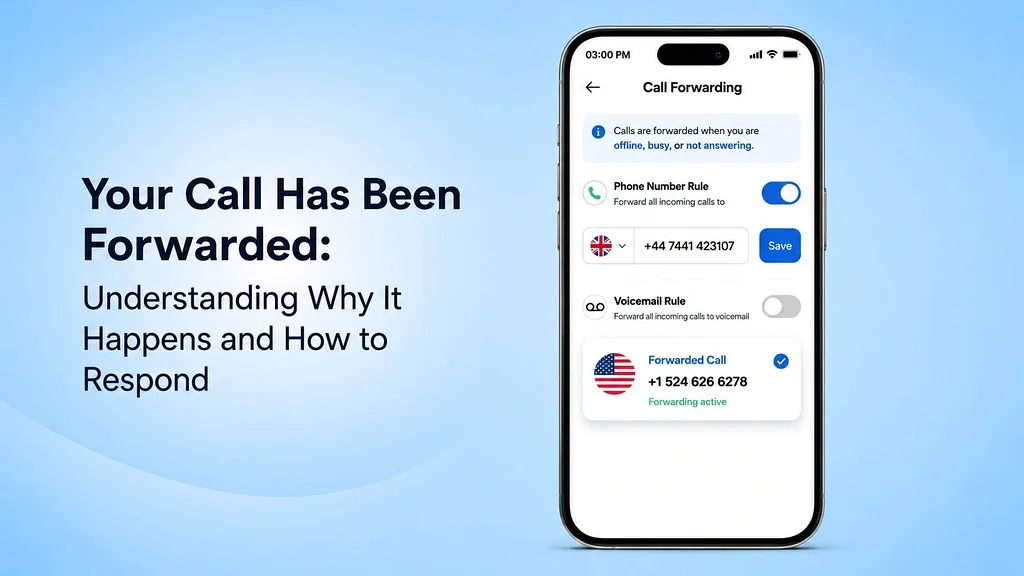
Ever made a call, only to be met with the automated voice: 'Your call has been forwarded'? This guide demystifies the message — what call forwarding is, the most common reasons it happens, how to tell the difference between a forwarded call and a blocked number, and how to set it up yourself.
Area Codes
Your Call Has Been Forwarded: What It Really Means
Introduction
Ever made a call, only to be met with the automated voice: "Your call has been forwarded"? It's a common experience that can leave you with more questions than answers. Are they on another call? Is their phone off? Or worse — did they block your number?
This comprehensive guide will demystify the message. We'll explore exactly what call forwarding is, the most common reasons it happens, and how to tell the difference between a forwarded call and a blocked number — giving you clarity and peace of mind.
What "Your Call Has Been Forwarded" Actually Means
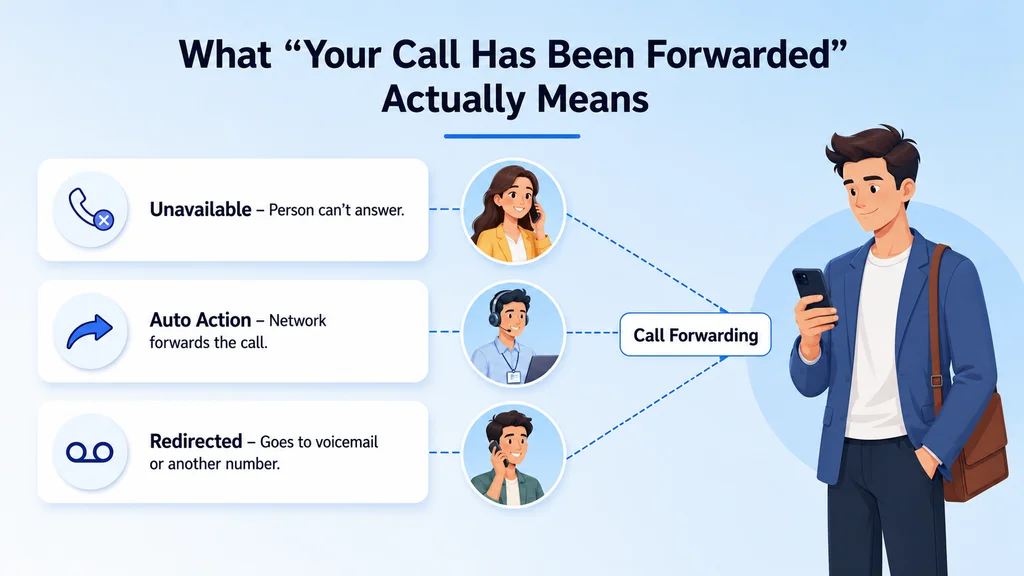
This phrase means your call is being redirected from the person's phone to another number, voicemail, or an automated answering system.
A Simple Explanation
From the caller's perspective, call forwarding is a seamless background process. The network recognizes that the dialed number has instructions to reroute incoming calls. This rerouting (also known as wholesale call routing) happens automatically based on rules set by the recipient, ensuring your call still connects somewhere.
A Look Behind the Scenes
For the recipient, call forwarding is a powerful feature they control. They can activate it to manage their calls more effectively. For instance, they might forward their office line to their mobile phone when they're out, or send all calls to voicemail during a meeting.
"Forwarded to Voicemail" vs. "Forwarded to an Automatic Voice System"
While similar, these messages indicate different destinations:
Voicemail: A personal answering machine where you can leave a recorded message for the individual you called. It's the most common destination for personal phone lines.
Automatic Voice System: Typically used by businesses — an automated menu that might say, "Press 1 for sales, Press 2 for support," guiding you through a company's phone directory instead of to a personal message box.
Call forwarding redirects your call to voicemail, another number, or an automated system
5 Common Reasons Your Call Was Rerouted
You May Also Know: How to Record a Phone Call: An Ultimate Guide
Hearing "your call has been forwarded" rarely means you're being ignored. It's usually due to technical reasons, like the recipient's phone status or settings.
Reason 1: The Person is on Another Call
If the person you're calling is already on the phone and doesn't have call waiting enabled, their line is considered "busy." Their phone settings will then automatically forward your incoming call to voicemail or another number so you're not left without a response.
Reason 2: Their Phone is Turned Off or in Airplane Mode
When a phone is powered off or in airplane mode, it isn't connected to the cellular network. Since the network can't reach the device, its default protocol is to forward the call directly to voicemail or the pre-set forwarding number.
Reason 3: They Are in an Area with No Service
Similar to a phone being turned off, poor or no cellular reception means the network can't establish a connection. If you call someone who is in a "dead zone" like a basement, subway, or remote rural area, the network will forward the call.
Reason 4: They Manually Rejected Your Call
This is one instance where the person actively redirects your call. By tapping the "decline" button on an incoming call, they manually send you to voicemail. It's a quick way to handle a call when they can't talk at that moment.
Reason 5: "Do Not Disturb" or "Focus Mode" is Enabled
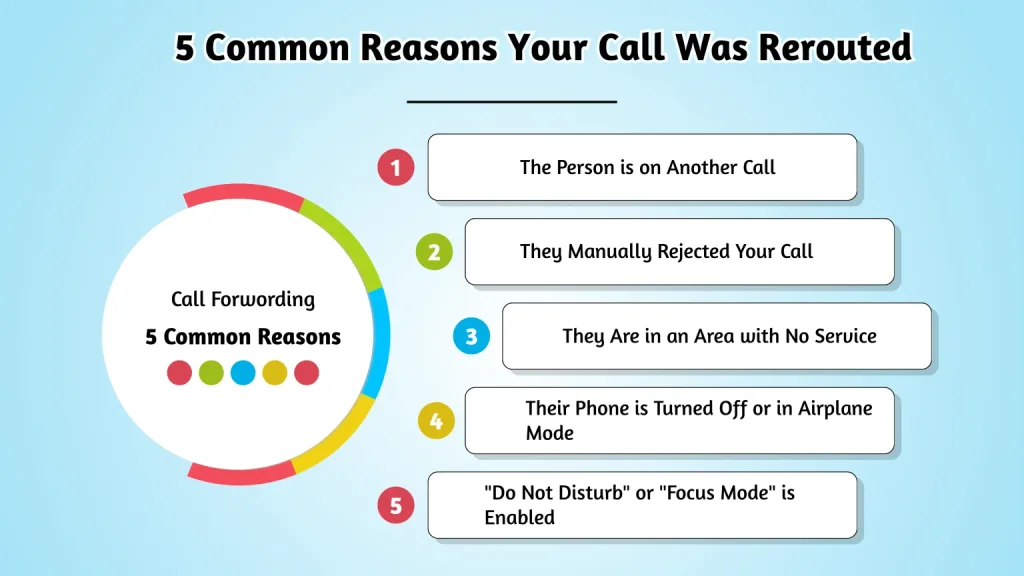
From busy lines to Do Not Disturb mode — 5 reasons your call gets forwarded automatically
Modern smartphones have modes like "Do Not Disturb" or "Focus" that silence calls and notifications. When these modes are active, the user can choose to have all incoming calls from non-favorite contacts automatically forwarded to voicemail.
Am I Blocked, or Is the Call Just Forwarded?
Concerned you're blocked after hearing "your call has been forwarded"? There are distinct signs to tell the difference between a simple forward and a block.
Telltale Signs of Standard Call Forwarding
When a call is simply being forwarded, you'll typically notice a normal call pattern before the message kicks in:
Multiple Rings: The phone will often ring several times (usually 3–5 rings) before you hear the forwarding message. This indicates the network tried to connect before rerouting.
Standard Message: You hear the clear, official carrier message: "Your call has been forwarded to an automatic voice messaging system."
Voicemail Access: You can successfully leave a voicemail message after the tone.
Clues That You Might Be Blocked
Being blocked results in a much more abrupt and less typical call experience. The network handles blocked calls differently:
One Ring (or Less): The most common sign of a blocked number is hearing just one quick ring — or even less than a full ring — before being sent to voicemail.
Generic Voicemail: You are often sent to the network's generic voicemail system, not the person's custom greeting.
Text Message Status: On iPhones, an iMessage sent to someone who has blocked you will not show a "Delivered" status. On Android, RCS messages may behave similarly.
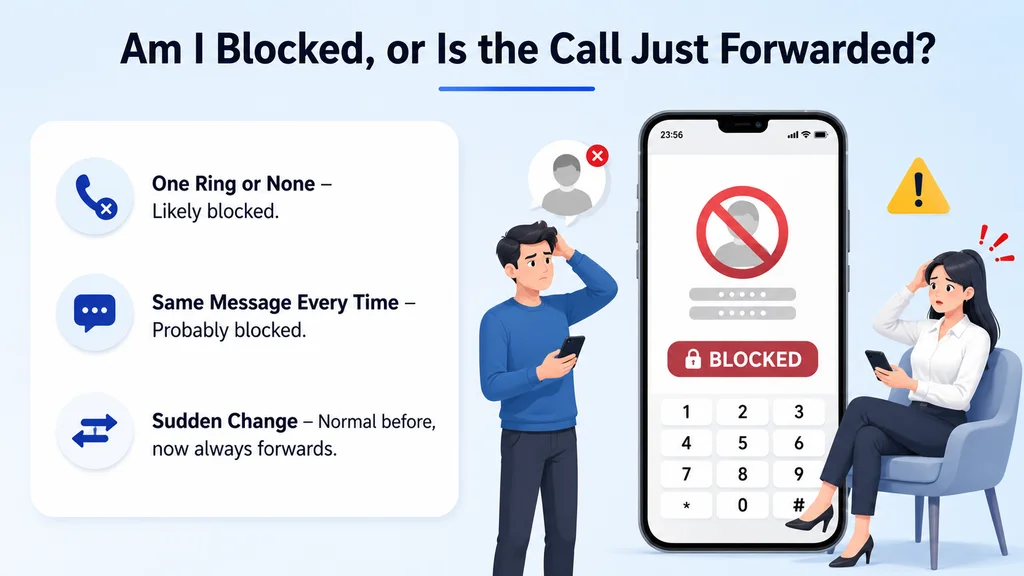
Key signs to tell the difference between a forwarded call and a blocked number
Understanding the Types of Call Forwarding
Not all call forwarding is the same. "Your call has been forwarded" may be configured for all calls or only under specific, conditional circumstances. These advanced routing capabilities are essential in environments like a contact center.
Unconditional Call Forwarding (UCF)
This is the most absolute form of forwarding. When UCF is enabled, all incoming calls are immediately redirected to the designated number without the original phone ringing at all. It's often used when someone knows they will be unavailable for an extended period.
Conditional Call Forwarding (CCF)
This is a smarter, more common type of forwarding that only activates under certain conditions. It provides flexibility, ensuring calls are only rerouted when necessary. The main conditions are:
When Busy: Your call is forwarded only if the recipient is already on another line.
When Unanswered: Your call is forwarded if the recipient doesn't pick up after a predetermined number of rings.
When Unreachable: Your call is forwarded if the recipient's phone is off, in airplane mode, or out of a service area.
How to Activate Call Forwarding on Your Smartphone
Want callers to hear "your call has been forwarded"? You can easily set up this feature yourself in your phone's settings on iOS or Android.
Setting Up Call Forwarding on an iPhone
Apple makes it easy to enable unconditional call forwarding directly from your settings:
Go to Settings > Phone.
Tap on Call Forwarding.
Toggle the Call Forwarding switch on.
Tap on Forward To and enter the phone number where you want your calls to be redirected.
Setting Up Call Forwarding on an Android Device
The steps can vary slightly depending on the manufacturer (Samsung, Google, etc.), but are generally found in the phone app's settings:
Open the Phone app.
Tap the three-dot menu and select Settings or Call settings.
Look for an option called Call forwarding or Supplementary services.
Choose the condition (e.g., Always forward, When busy) and enter the forwarding number.
Using Carrier Codes (Star Codes)
For a more direct method, you can use MMI codes (star codes). The most common code to activate unconditional forwarding is dialing *72 followed by the 10-digit forwarding number and then pressing the call button. To deactivate it, you typically dial *73.
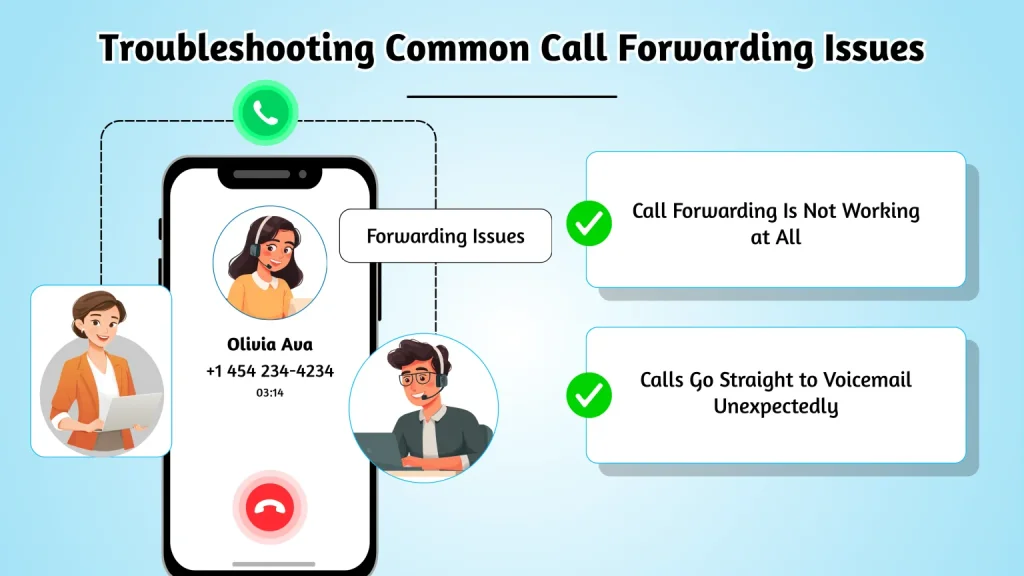
Troubleshooting Common Call Forwarding Issues
"Your call has been forwarded" feature not working? Try troubleshooting common issues yourself before contacting your service provider.
Issue: Calls Go Straight to Voicemail Unexpectedly
This often happens if "Do Not Disturb" mode is on, or if the "Unconditional Call Forwarding" setting was accidentally enabled. Check these settings first. Also, verify that you have a stable cellular connection, as a weak signal can cause this.
Issue: Call Forwarding Is Not Working at All
First, double-check that you entered the forwarding number correctly, including the area code. Second, try deactivating and then reactivating the feature. This simple "reboot" often resolves network glitches that may be preventing it from working.
How to Deactivate Call Forwarding
Deactivating is just as simple as activating. On iPhone or Android, go back to the call forwarding settings menu and toggle the feature off. Alternatively, you can dial the deactivation star code provided by your carrier, which is often *73.
When to Contact Your Service Provider
If you've tried all the troubleshooting steps and the feature still isn't working, it may be an issue with your account or the network. Your carrier can check if call forwarding is properly provisioned for your line and help resolve any deeper technical problems. For scam call concerns, report to the FTC.
You May Also Know: 800 Area Code: A Complete Guide for Business Communication
Fix common call forwarding problems — from unexpected voicemail to feature not working
Conclusion
Ultimately, hearing "Your call has been forwarded" is rarely a cause for alarm. It's typically a sign that the person is simply busy, their phone is off, or they lack service. The key differentiator is often the number of rings — one ring may suggest a block, while multiple rings usually indicate a standard forward.
Understanding this simple difference can demystify the message, replacing uncertainty with clarity and helping you know what's really happening on the other end. For businesses, smart call forwarding with a provider like Ajoxi ensures no call — and no opportunity — is ever missed.
FAQs: Your Call Has Been Forwarded
Does "your call has been forwarded" automatically mean I've been blocked?
Not at all. It most often means the person is on another call, their phone is off, or they're in an area with poor service — so the call is simply being redirected to voicemail.
What's the biggest sign I'm actually blocked and not just forwarded?
The most telling sign is hearing only one ring (or less) before being sent to voicemail, often landing on a generic carrier voicemail rather than the person's personal greeting.
Could the person be sending my calls to voicemail on purpose?
Yes. If someone taps the decline button when you call, your call is manually sent to voicemail. This is completely normal — it could mean they're busy or in a meeting.
Why would my call go straight to voicemail without even ringing?
This usually means Unconditional Call Forwarding (UCF) is enabled — all calls are redirected immediately. It can also happen if their phone is powered off or they're in a no-signal area.
Is there a difference between being forwarded to voicemail and an "automatic voice system"?
Yes. Voicemail is a personal message box for individuals. An automatic voice system (IVR) is a business phone menu that routes callers through a company's directory.
Run your voice on Ajoxi.
AI receptionists, wholesale routes, virtual numbers — built on one platform with transparent pricing and a 24/7 NOC.