Contact Center Solutions: Features, Benefits & How to Choose
What a contact center is, how it differs from a call center, the core features, cloud benefits, how to choose a platform, and the KPIs that measure performance.
UCaaS puts business calling, messaging and meetings on one cloud platform. This guide explains what UCaaS is, who uses it, what a platform includes, how it compares with a PBX and CCaaS, how pricing works, how to switch, how to secure it and how to choose a provider.
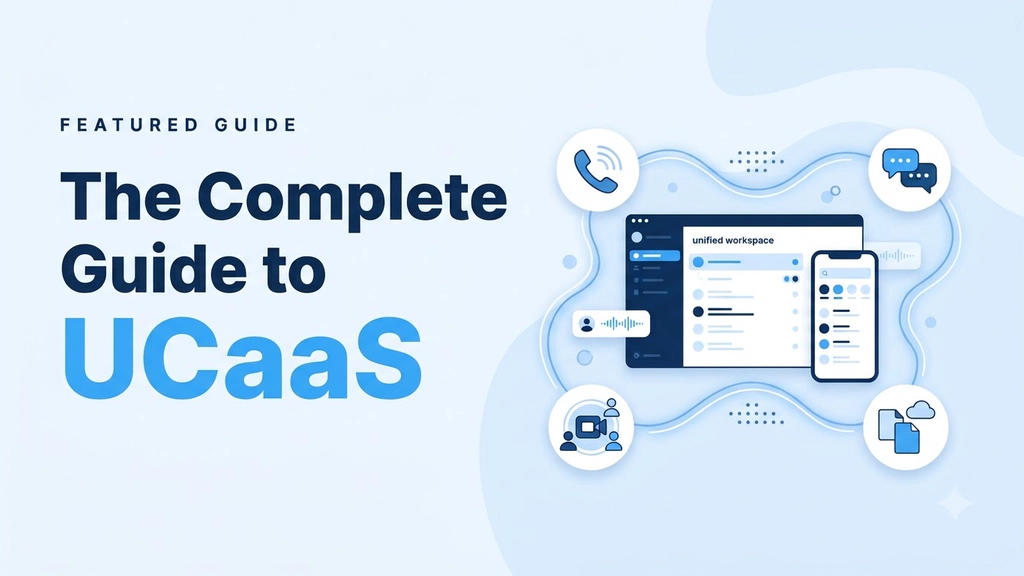
UCaaS (Unified Communications as a Service) is a cloud subscription that puts business calling, messaging and meetings on one platform. It isn't something many companies actively choose to implement. Businesses tend to find themselves in this situation when their telephony system gets old, they open another office or half their team begins to work from home. Suddenly they have a PBX, a conferencing tool, a chat app and a fax line that don't work together.
UCaaS helps fill this gap. Rather than having the physical equipment to manage communications, a UCaaS provider hosts the services in the cloud. This allows you to simply pay a subscription to have calling, messaging and meetings all in one place. Although the principle is simple, platforms can vary greatly in network quality, pricing transparency and ease of exit.
This guide looks at everything you need to know about UCaaS solutions, including who should use it (from small business to enterprise), what is included, the differences between a PBX and contact center platforms, how UCaaS is priced, how to migrate, security and how to choose a provider.
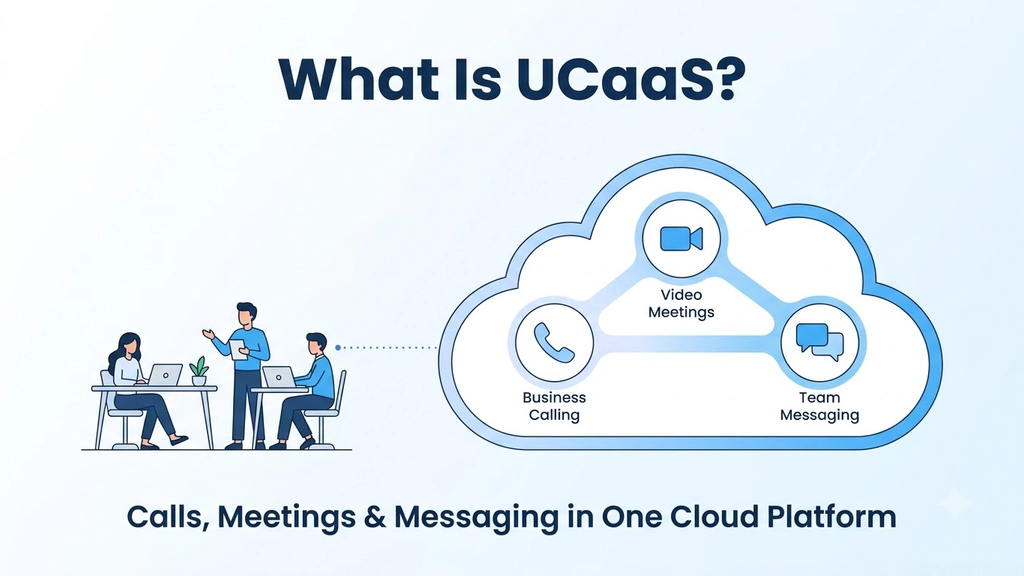
UCaaS stands for Unified Communications as a Service. Your communications stack is hosted in the cloud by a provider. You can use it through applications, browsers and desk phones via your internet connection. Calling, video meetings, team chat, SMS and fax can all be done using one directory, login and admin system.
The key here is the unified part. Hosting your voice over the cloud is similar to a hosted PBX or cloud PBX, and we have a guide on the cloud phone system for this. Hosted unified communications goes a step further and puts messaging and video behind the same login. UCaaS connects every communication channel to the same person: chat to call and call to video, with no need to switch software.
UCaaS is suitable for any organization where people need to communicate with each other and their customers from different places. The four most common buyer types are:
UCaaS platforms can be very different, however most UCaaS features include:
The main difference between providers is how well they perform under load and the cost.
A traditional PBX is physical hardware that needs to be purchased, maintained and upgraded, and if there is an issue you'll need your internal staff to resolve it. In a UCaaS vs PBX comparison, or UCaaS vs on premise more broadly, UCaaS provides the same call management features but over the provider's network, much like a virtual PBX with messaging and video added. There is no hardware to replace and new sites can simply be added in the settings.
CCaaS (Contact Center as a Service) is designed to handle high volumes of customer interactions. It provides queues, agent desktops, supervisor tools and analytics. UCaaS is designed for general business communications and many organizations will use both. We have a UCaaS vs CCaaS comparison guide to help.
If your main requirement is to get your staff talking to each other and to your customers, then UCaaS is the one to choose. If you're looking to manage an agent team handling thousands of interactions, you'll require a contact center platform. However, UCaaS can be used alongside it.
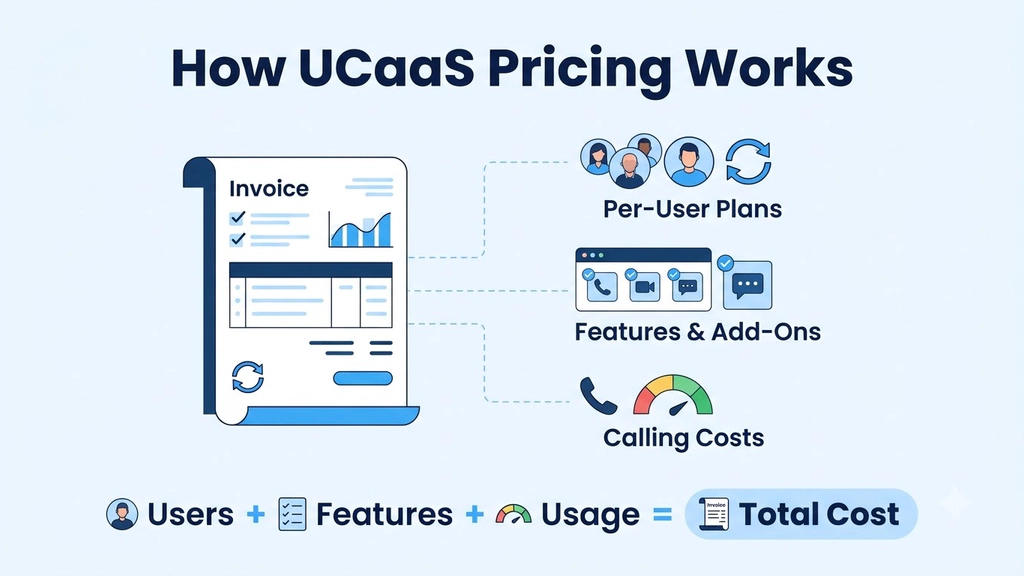
UCaaS is generally offered as a subscription with three common models.
Often the seat price isn't straightforward. Before comparing quotes, ask:
Transparent providers publish this information on one page. If you have to ask a salesperson to explain the base cost, there will probably be surprises.
The majority of UCaaS migration projects will be won or lost on planning.
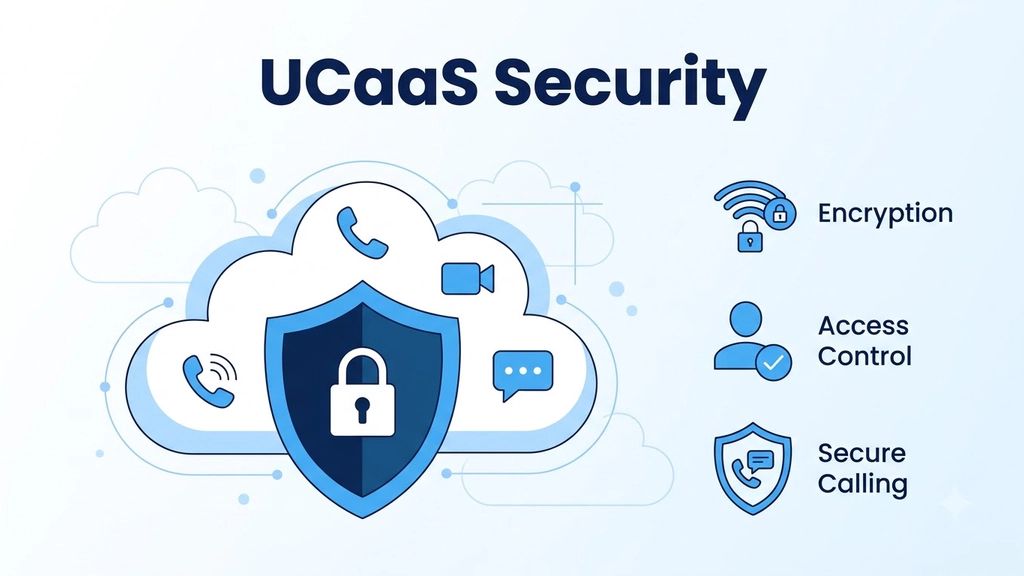
With your communications in the cloud there are new risks to consider. Common risks include account takeover, toll fraud, unencrypted calls and incorrect permissions. Most of these can be controlled by:
Ask your providers what certifications they have, such as SOC 2. Ask how they handle data residency and recording retention.
Marketing numbers can be misleading. The four main categories to look at are:
Ask for this information to be shown from a trial on your own network.
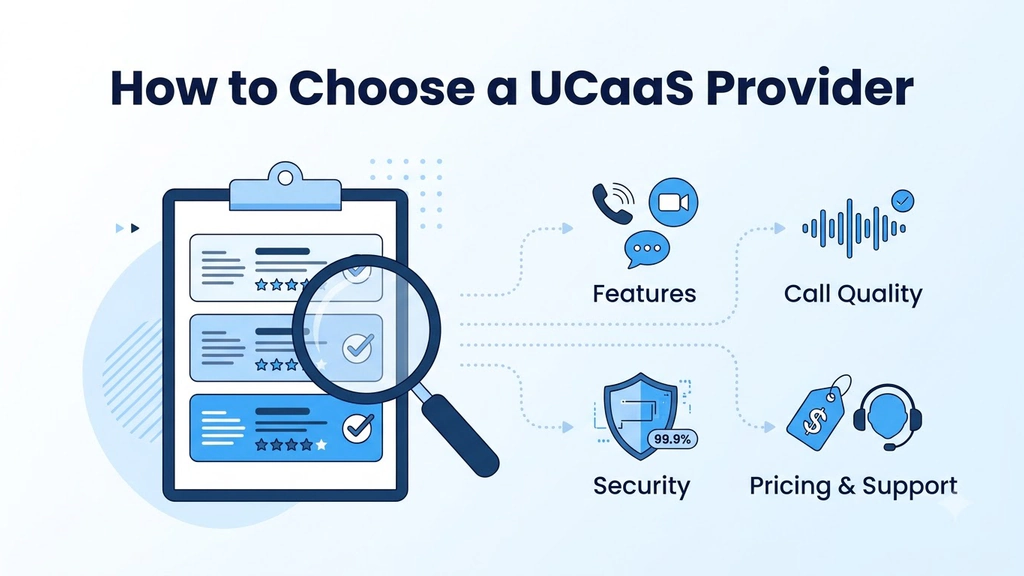
Features can be very similar between UCaaS providers, so decide what you want to ask. Most buyers weigh four things: features, call quality, security, and pricing and support. The questions below put each one to a provider.
The best way to test is with a trial. Run real calls from your real locations for two weeks. Compare the stats above. Ajoxi offers a 14-day free trial (no credit card required) and can provide a quote for larger migrations.
UCaaS allows you to purchase your cloud communications as a service. The benefits of UCaaS show when it is implemented well: your staff can talk to each other from anywhere, new sites can be opened without a phone project and you only have one team managing one platform.
The three habits that get the most from UCaaS are planning your migration around your real call flows, measuring quality from your own network and choosing a transparent provider.
UCaaS stands for Unified Communications as a Service. This is a subscription model whereby your calling, messaging, meetings and related tools are hosted in the cloud by your provider.
No. VoIP is the technology used to carry voice over the internet. UCaaS uses VoIP and provides messaging, video, fax, admin and integrations all in one platform, which goes beyond a VoIP phone system for business or a business VoIP service on their own.
UCaaS is for general business communications whereas CCaaS is designed for contact centers. Many companies will use both. CCaaS provides queues, agent tools and performance analytics.
Most providers will offer a per user per month model. They will also have tiered plans and usage-based charges for international calling, toll-free numbers and SMS. Be sure to ask what is included in your seat.
A small business can often migrate in stages within a few weeks. Number porting and testing your network will determine the speed. Start with those first.
AI receptionists, wholesale routes, virtual numbers — built on one platform with transparent pricing and a 24/7 NOC.