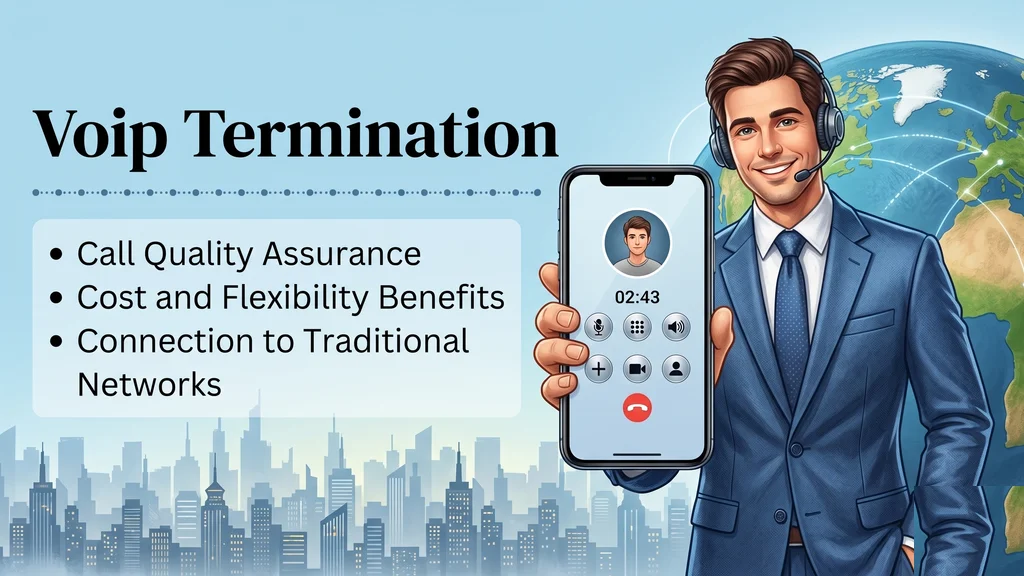
What Is VoIP Termination? The Complete Guide
How VoIP termination works, the types of termination services, the benefits, the security and quality factors that matter, and how to choose a provider.
UCaaS and CCaaS are often sold as rivals, but they solve different problems. This guide explains what each one does, where they overlap, five questions that settle the choice and when a business really needs both.
A small support team shares one business phone line, a chat tool and a spreadsheet of open tickets. A sales team of the same size lives in video calls and a CRM. Both are asked whether they need UCaaS, CCaaS or both, and the answer they get usually depends on what the vendor happens to sell.
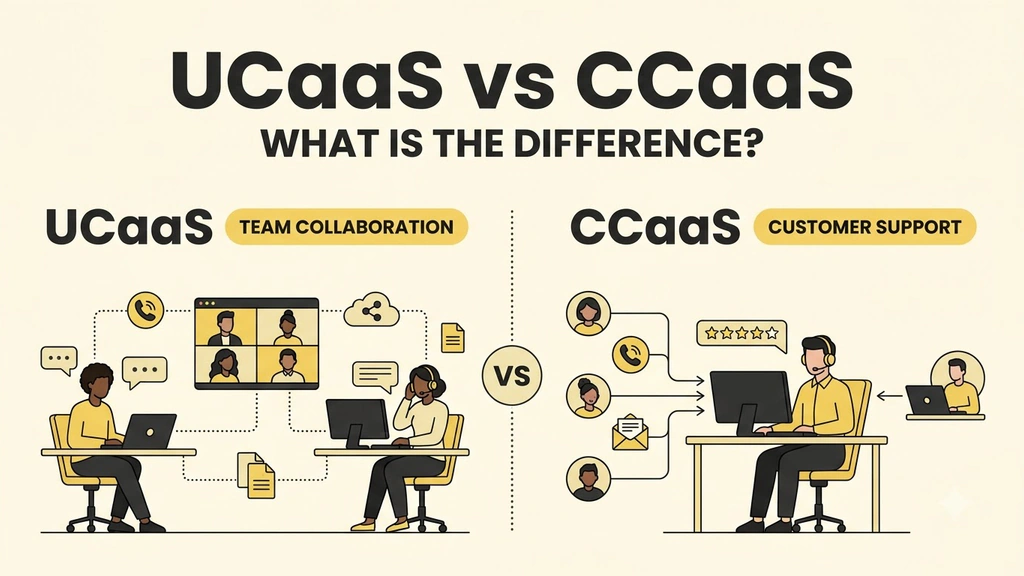
UCaaS vs CCaaS is really a question about two different jobs. UCaaS gives everyone in a company one place to call, message and meet. CCaaS gives a customer-facing team the queues, routing and reporting that a stream of customer contacts demands.
This guide explains what each one does, where they overlap, five practical questions that settle the choice and the situations where a business needs both.
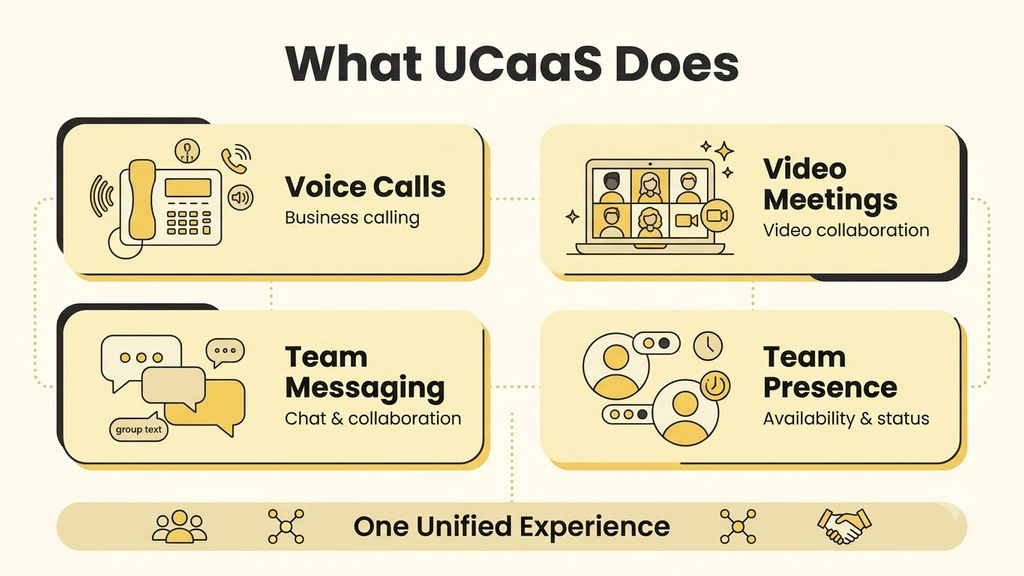
UCaaS (Unified Communications as a Service) is for the people who work at your company. It puts calls, messages, video meetings and presence in one cloud platform, so a team can reach each other and the outside world from any device.
CCaaS (Contact Center as a Service) is for the people who contact your company. It receives customer calls, chats, texts and social messages, decides which agent should take each one and gives supervisors the tools to coach, record and measure.
A useful test is to ask who is waiting. In UCaaS a colleague or a known contact is on the line, and a missed call is an inconvenience. In CCaaS a customer is in a queue, and a missed contact is a cost you can count.
UCaaS replaces a patchwork of phone hardware, chat apps and conferencing tools with one subscription. The calling layer comes first, and a good cloud phone system is usually the foundation everything else is built on.
The typical user is every employee, and the numbers that matter are adoption, call quality and uptime.
CCaaS exists for one situation: customers arrive faster, and in less predictable bursts, than a team can answer by hand. Our guide to contact center solutions covers the features in more depth, and these are the core ones.
The typical user is an agent or a supervisor, and the numbers that matter are how quickly and how well customers are helped.
| Question | UCaaS | CCaaS |
|---|---|---|
| Who uses it | Every employee | Agents and supervisors |
| Main goal | Everyday communication inside and outside the company | Handling customer contacts at volume |
| Who is on the other end | Colleagues and known contacts | Customers, often unknown callers |
| Routing | Ring groups and an auto-attendant | Skills-based queues with priority and overflow |
| Channels | Voice, video, chat, SMS and fax | Voice, chat, SMS, email and social messaging in one queue |
| Reporting | Call logs, usage and call quality | Queue health, handle time, resolution and satisfaction |
| Management tools | Admin console | Live monitoring, coaching and quality scoring |
| Pricing shape | Per user per month | Per agent per month, plus usage |
| What failure looks like | A dropped call or a missed meeting | A growing queue and customers who give up |
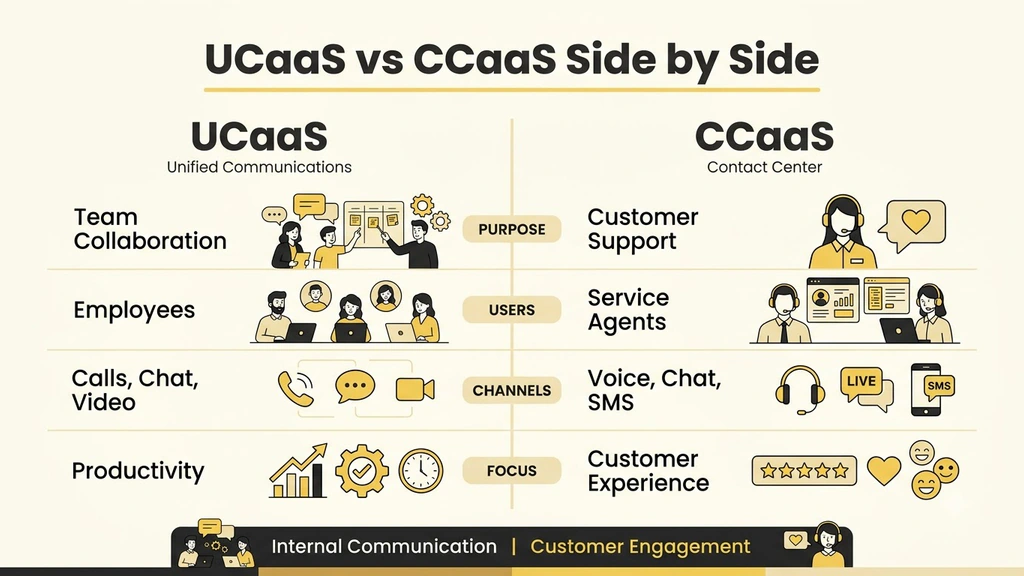
Both are cloud services in the sense the U.S. National Institute of Standards and Technology defines: on-demand self-service, broad network access and rapid elasticity, as set out in The NIST Definition of Cloud Computing. Both route calls, play menus and can record conversations.
The difference is depth. A UCaaS auto-attendant sends a caller to a department. A CCaaS distribution engine picks the best available agent using skills, language, priority and history, and measures what happens next.
Vendors also blur the line: UCaaS platforms add simple queues, and CCaaS platforms add chat and meetings. That is why the labels matter less than the question underneath them, which is what you need the system to do on a busy day.
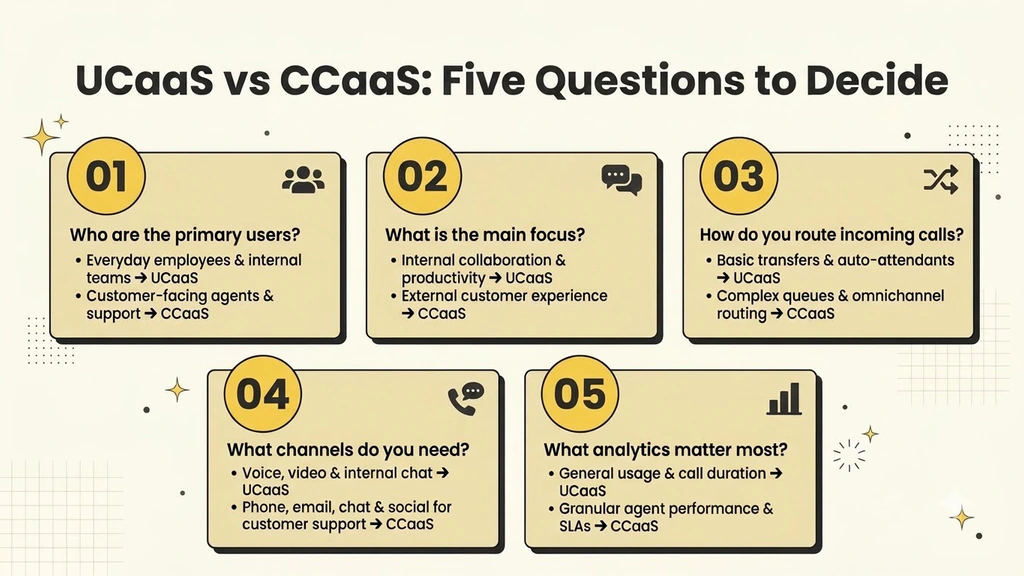
If your answers lean toward the first half of each question, start with UCaaS. If two or more point to the second half, you need CCaaS, or a UCaaS platform with real contact center features. If both halves describe your business, you need both.
Ajoxi runs its cloud phone and its AI contact center on one network, and a 14-day free trial with no credit card lets you test either one on your own calls before you commit.
UCaaS is usually priced per user per month, because every employee gets a seat. CCaaS is usually priced per agent per month, often at a higher rate per seat because of queues, analytics and supervisor tools, with extra charges for minutes, messages and AI.
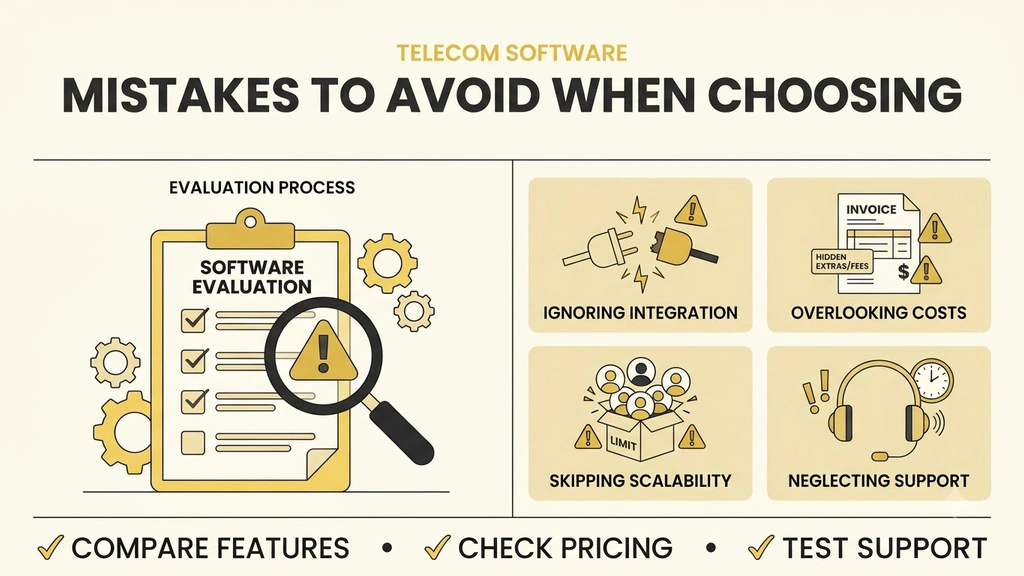
The cost of a mismatch shows up in two ways: paying contact center prices for staff who never take queued calls, or running a customer queue on a tool that cannot report on it. Ask each provider what a seat includes and how usage is billed before you compare quotes.
UCaaS connects the people inside your company, and CCaaS connects your company to its customers. The UCaaS vs CCaaS choice becomes simple once you decide who is waiting on the other end and how much a missed contact costs.
Start with the problem you have today, test it on real calls, and add the other layer when your volume or your reporting needs ask for it.
UCaaS serves employees, giving them calling, messaging and meetings in one cloud platform. CCaaS serves customer-facing teams, giving them queues, skills-based routing and performance reporting for customer contacts.
Not always. Many businesses use both: UCaaS for everyday communication across the company and CCaaS for the team that handles customer contacts. Some platforms offer both on one network.
For a small team with simple needs, ring groups and a basic queue may be enough. Once you need to measure resolution and handle time, coach agents or run several channels in one queue, you need CCaaS.
Usually per seat, yes, because CCaaS includes queues, analytics and supervisor tools and often adds usage charges. Compare what each seat includes and who needs a seat before you compare prices.
Only when customer volume, channels or reporting demands outgrow a shared line. Most small businesses start with UCaaS and add CCaaS when contacts arrive faster than they can answer them by hand.
AI receptionists, wholesale routes, virtual numbers — built on one platform with transparent pricing and a 24/7 NOC.